

ChatGPT images learned the two things creators keep asking for: Memory and Motion
OpenAI released ChatGPT Images 2.6 with saved reference photos, better consistency across edits and looping GIF creation. Here is what actually changed, what it is not, and how creators can use it this week.
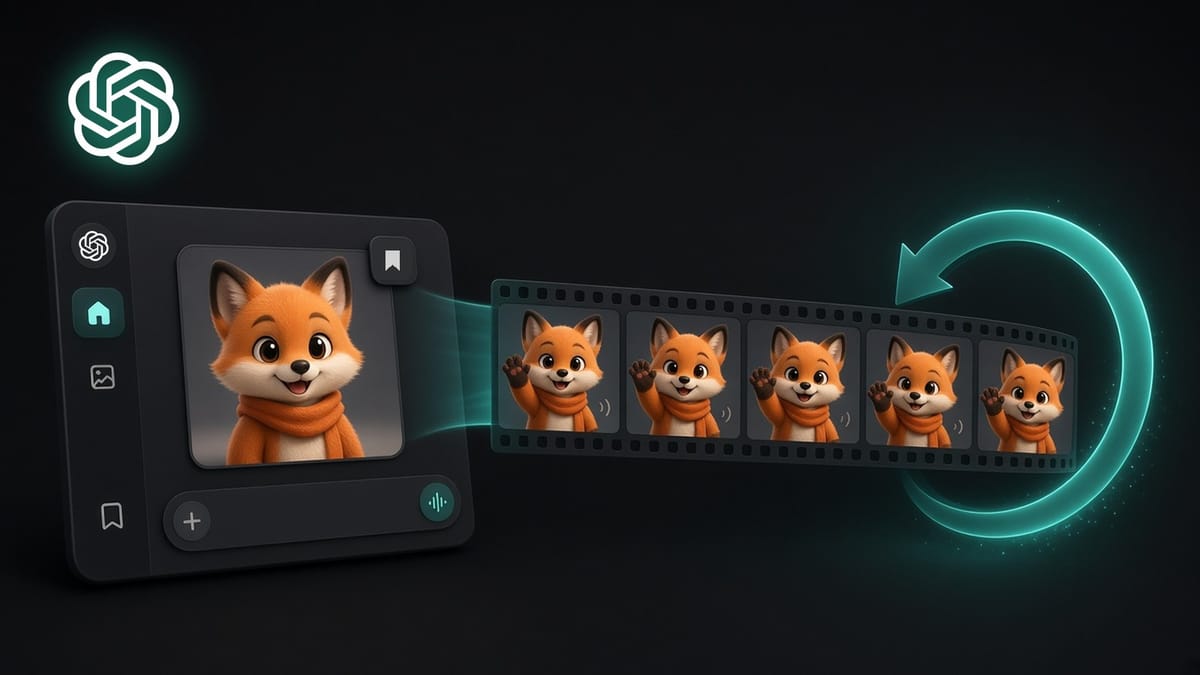
Creators do not need another AI model that produces one impressive image. They need a character that survives the next edit, and a fast way to bring that character to life. ChatGPT Images 2.6 targets both problems with saved references, stronger consistency and GIF creation inside ChatGPT.
For two years, the frustration has been the same. You get a great image of your mascot, your product or your recurring character. Then you ask for one small change, a new background or a different pose, and the face shifts, the outfit changes and the logo melts. You start again. You upload the same photo again. You explain the same details again.
OpenAI says it has worked on exactly that problem. On November 4, 2026, it introduced Images 2.6 in ChatGPT, Codex and its API, and said the update is available globally in ChatGPT across all subscription tiers, on desktop, mobile and web.
This is not a new art style. It is not a video generator. It is a workflow update, and for creators who publish every week, workflow is where the time goes.
This edition breaks down what actually launched, how saved references and GIFs work, what this update is not, why it matters for creators, and what you should do with it this week.
What actually launched on November 4
Before getting into strategy, it is worth making sure you understand what OpenAI announced, because most headlines led with GIFs and skipped the part that may matter more.
Images 2.6 is the new version of the image model inside ChatGPT. OpenAI made three main claims about it.
The first is speed. OpenAI says Images 2.6 generates images 50% faster than before. That is the company's own figure, not an independent test. But faster images mean more versions, and more versions usually mean a better final choice.
The second is consistency. OpenAI's help center says Images 2.6 "does a better job of keeping details consistent from one edit to the next." The ChatGPT release notes give a concrete example: preserving details across edits, "like a character's outfit when you change the background." In its launch post, OpenAI describes the goal as keeping "characters, products, and brand details consistent as you edit."
The third is two new features inside ChatGPT. You can save a photo as a named reference and reuse it in later chats. And you can create looping GIFs, either from a written prompt or from a still image you upload.
The scale is not small either. OpenAI says people now create 4 billion images per week across ChatGPT, Codex and the API.
There is also a developer side. In the API, OpenAI released two models, GPT-Image-2.6 Flare for speed and GPT-Image-2.6 Sunburst for detail. You do not need either one to use ChatGPT, but the creative tools you already use may add them. Figma Weave, for example, said it is adding the model to its workflow.
Memory and motion: how the two new features actually work
Start with memory, because the feature with the least noise around it is the one most creators will use every week.
Here is how OpenAI describes it. You upload a photo and ask ChatGPT to save it as a reference. You choose a name. In a later chat, you type the @ symbol followed by that name, and ChatGPT uses the saved photo without you uploading it again. OpenAI's own example is a dog photo saved as Pepper, followed by the prompt "Make a watercolor portrait of @Pepper." ChatGPT may also offer to save a photo on its own when you describe it.
TechRadar's Graham Barlow tested it with a photo of his cat, Chester. He asked ChatGPT to save the original photo as Chester. ChatGPT confirmed it was saving the original picture, not the edited Halloween versions it had just made. In a new request, he then asked for "a GIF of @Chester on the moon," and got one without uploading anything.
For creators, the value is not convenience alone. It is continuity. A saved reference turns your recurring subject into something closer to an asset. Your mascot. Your product. Your illustrated avatar. Your newsletter character. Instead of rebuilding it from memory every time, you call it by name.
Combine that with better consistency across edits, and you get the workflow creators have been asking for: one stable starting point, many variations, and fewer moments where the character you built quietly turns into someone else.
But be precise about what a saved reference is. It is an input. It is not a guarantee. OpenAI says the model is better at preserving details, not that it preserves them perfectly. The image is generated again every time, and the result can still drift depending on your prompt and the style you request. If your brand depends on exact details, such as a logo, a product label or a specific face, you still need to compare every output to the original.
Now motion, the feature that got the headlines.
You can ask ChatGPT for a looping GIF and describe what should move. OpenAI's example prompt is "Make a looping GIF of a paper boat bobbing on the water." You can also upload a still image and ask ChatGPT to animate it. To change a GIF ChatGPT created, you describe the edit in the conversation. You can then open the GIF to adjust its playback speed, save it to your device or share it.
OpenAI is clear about who it built this for. Its launch post says marketers and creators can "animate a brand mascot for a campaign, create reactions and memes for social media, or use animated storyboards to explore character movement before video production." It also says that even a simple sketch can become an animated character.
Coco Mao, the chief executive of OpenArt, one of the early partners, put it this way: "GIFs are the native language of social media."
In practice, prompt quality still matters. In TechRadar's test, the first Halloween GIF of Chester was fine but static. When Barlow asked ChatGPT to make it more active and to get creative, the second version was much better. The lesson is simple. Describe the motion, not only the subject.
Now the limits. GIF creation is still rolling out, according to OpenAI's help center, so it may not appear in your account yet. ChatGPT cannot edit an animated GIF you upload. It only edits GIFs it created. And as Notebookcheck pointed out, OpenAI has not published specific GIF limits for any plan.
So this is not text to video. It is not a replacement for your editing software or a video model. It is short, looping motion, created inside the same conversation where your character already lives. That is a smaller promise than video. For many social formats, it is also exactly the right size.
What this update is not
It would be easy to overreact to this release. It is worth being precise about its limits.
It is not a revolution in image quality. TechRadar called it "only a 0.1 upgrade" from Images 2.5 and said that not much else has changed. The value is in the workflow, not in a dramatic jump in what the images look like.
It is not evenly available yet. Image creation is available on all tiers, including Free, but free access comes with usage limits. OpenAI also lists a separate Images with thinking option on Plus, Pro and Business, with Enterprise and Edu coming later. GIFs are still rolling out. Two creators on the same plan may see different features this week.
It is not fully documented. OpenAI's help page explains how to save and use a reference, but, as Notebookcheck noted, it does not say where saved references can be managed or how to delete them. Generated images follow a clearer rule: they are saved under Images, and they are removed when you delete the conversation that created them.
It is not risk-free. Saved photos of real people combined with animation make it easier to place a person in a scene that never happened. OpenAI's system card says it added safeguards specific to GIFs, and that some content categories are blocked more broadly in GIFs than in still images. It also says plainly that motion-related violations remain challenging to detect, and that the safeguards may not catch all of them. OpenAI says images from ChatGPT Images 2.6 carry C2PA metadata and an invisible SynthID watermark. Only save photos of other people, especially children, with their consent.
Why this matters specifically for creators
Here is the honest truth. Most creators do not lose time on the first image. They lose it on the tenth one.
The first image is the easy part. The hard part is the series. The weekly carousel with the same character. The product shown in six settings. The newsletter illustration that should look like it belongs to the same publication as last week's. Every one of those depends on consistency, and consistency has been the weakest part of most image tools.
That is why memory matters more than motion, even if motion gets more attention. A recurring visual identity is how people recognize you before they read your name. A character that stays the same across posts builds familiarity. Familiarity builds trust. Trust is what eventually turns a viewer into a follower and a follower into a buyer.
Motion matters for a different reason. Social feeds reward content that stops people. A small loop, a character who waves, a product that turns, a reaction that lands, can do that without the time and cost of video production. OpenAI's own suggested uses are reactions, memes, mascots and storyboards. Those are creator formats.
There is also an opportunity for smaller creators specifically. Large brands already have designers and motion artists who keep a mascot consistent. Solo creators usually do not. A saved reference and a GIF button do not replace a designer. But they lower the cost of having a recognizable visual identity, and that has always been an advantage reserved for people with a budget.
Here is the risk on the other side. When everyone can animate a character in seconds, animated characters stop being special. The novelty will fade fast. What will remain is the same thing that always remains: a clear idea, a consistent voice and a reason for people to care.
The X parallel every creator should understand
If you build mostly on X, this update connects directly to what changed there last week.
X's published ranking code, updated on November 5, now gives more weight to predicted likes, predicted reading time and predicted shares, and less weight to a simple click into a post. As we covered, that is not a guaranteed reach boost. But the direction is clear. X is rewarding content people want to like, stay with and pass on, not content that only earns a curious tap.
A consistent character and a well-placed loop can help with exactly that, if you use them to support the idea rather than replace it. A GIF that shows the before and after of your tip. A recurring mascot that readers recognize from your last ten posts. A small animated reaction that makes a reply feel human instead of generic.
That last point matters more than it seems. On X, replies are still one of the fastest ways for a smaller account to be seen by the right people. A thoughtful reply in a large conversation puts you in front of an audience that is already interested in your topic. A reply with a fitting visual, used sparingly, can make people stop long enough to read it and click your profile. A reply that is only a GIF, with nothing useful to say, does the opposite.
TechRadar also noted that ChatGPT lets you share a finished GIF directly to X, LinkedIn and Reddit. The distance between making something and posting it just became shorter. The discipline has to come from you, because the tool will not stop you from posting something mediocre quickly.
What creators should do right now
You do not need to rebuild your visual strategy because of a 0.1 update. But you should make a few practical moves this week, because the time you save on consistency compounds.
Start by choosing one recurring subject. Your mascot, your avatar, your product or your signature illustration. Upload the best clean version you have, with a plain background and clear details, and ask ChatGPT to save it as a reference with a short, memorable name. One good reference is better than five mediocre ones.
Next, test consistency on purpose. Ask for five variations of that subject: new background, new pose, new outfit, new season, new format. Put all five next to the original. Look at the face, the colors, the proportions and any text or logos. You will learn in ten minutes how far you can trust the tool for your specific brand, and where you still need to check every output.
Then test motion with one real use case, not a random experiment. If GIF creation is available in your account, make one reaction loop with your character, or one short before and after loop for a tip you already shared. Describe the movement clearly. Ask for more energy if the first version is flat. Adjust the speed. Then decide honestly whether it would make your next post better.
After that, build a small library. Save the outputs that worked, write down the prompts that produced them, and keep them in one folder. A creator with twenty reliable visuals of the same character has a brand. A creator with two hundred random images has a hard drive.
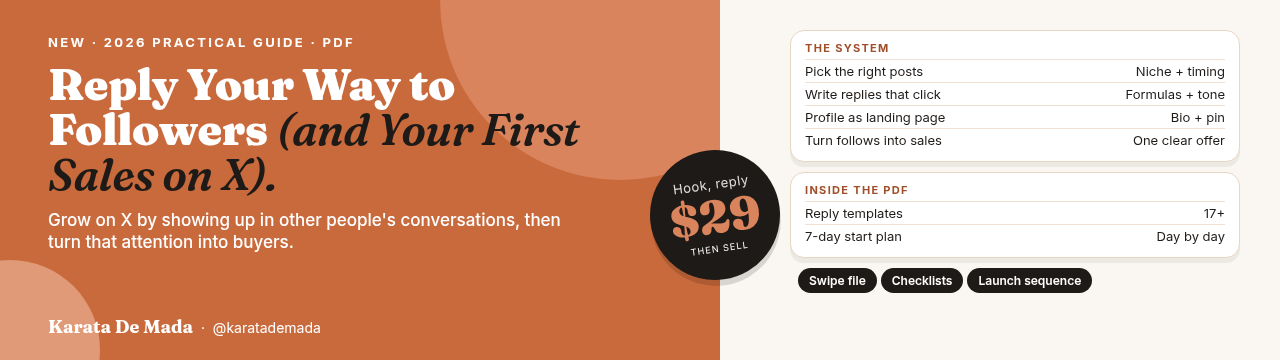
Finally, use visuals to support distribution, not replace it. On X especially, growth still comes from showing up in the right conversations with something worth reading. If you want a system for that part, I wrote a new guide, Reply Your Way to Followers (and Your First Sales on X). It shows you which posts to reply to, how to write replies that earn profile clicks, and how to turn those new followers into your first sales.
Pick the one subject most central to your content right now, save it, test it on your next five posts, and build from there.
For two years, AI image tools were good at first impressions and bad at second ones. They could make one remarkable picture, then forget everything the moment you asked for another.
Images 2.6 is OpenAI's attempt to give the tool a memory and a pulse. It will not give your content a point of view. The tool can now remember your character. Your audience still has to remember why it matters.