

LinkedIn now shows you what your posts actually caused
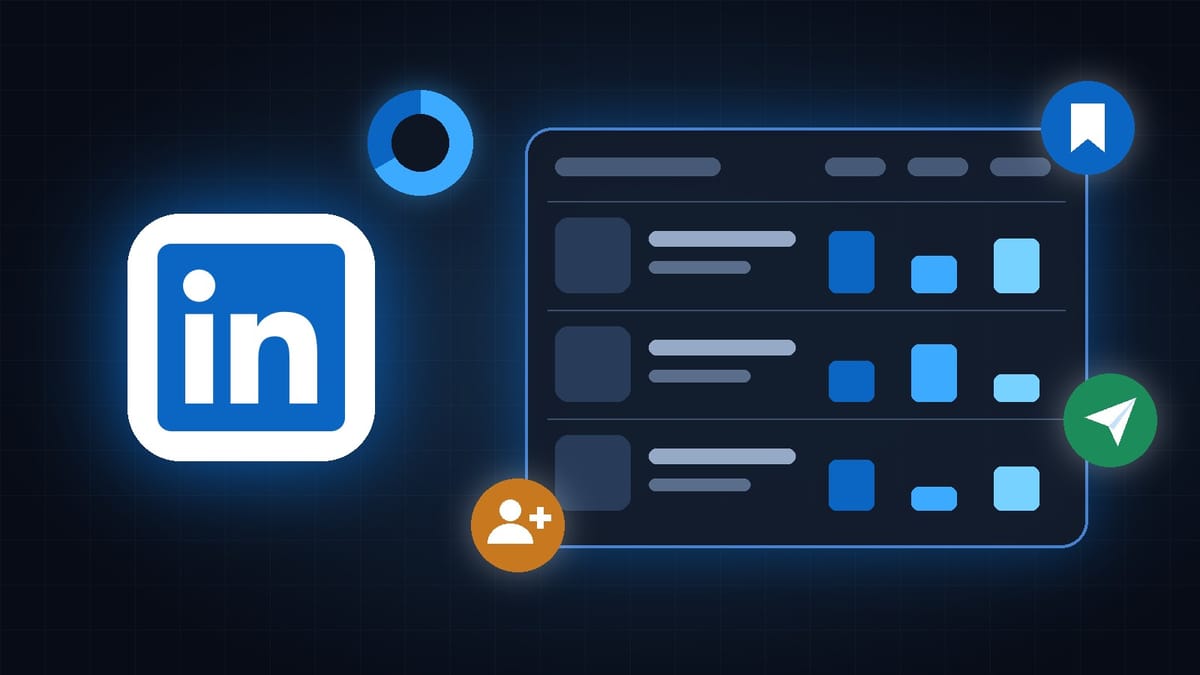
LinkedIn detailed its new creator analytics: a Post Performance Table, the followers each post brought in, saves and sends, and in-network versus out-of-network reach.
New product alert: I just published my first digital guide - free local AI images and video, step by step. $19.
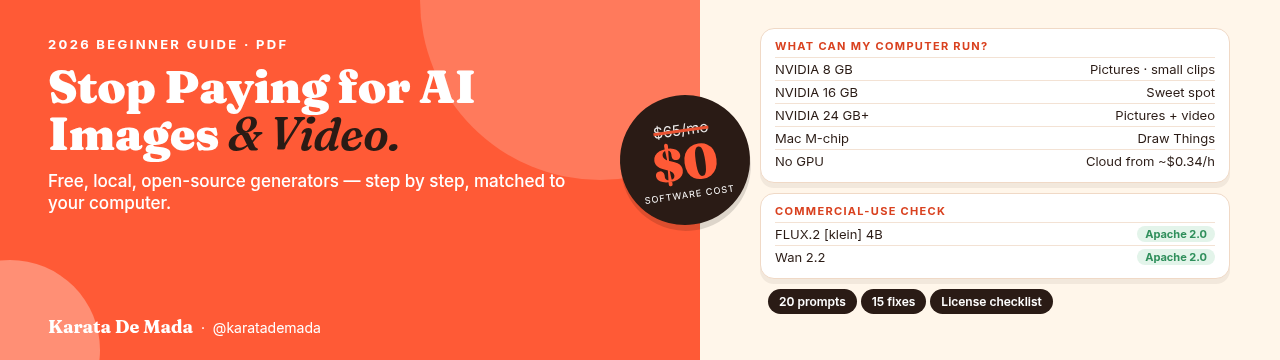
Stop Paying for AI Images & Video: The 2026 Guide
A step-by-step PDF that shows you how to make AI images and videos for free on your own computer, or on a GPU you rent for cents an hour. Matched to your hardware, with commercial-use notes for every model.
For years, LinkedIn told you how many people saw your post. Now it is starting to tell you what your post actually did.
On November 3, 2026, Sam Corrao Clanon, Director of Product, Create at LinkedIn, published a guide to the analytics the platform has added over the last few months. The headline feature is a new Post Performance Table, which puts your posts and their key numbers side by side in one view, and lets you export them. Alongside it, LinkedIn now shows which specific people followed you from a post, how many people saved a post or sent it to someone in a message, and how much of your reach came from inside your network versus outside it.
It sounds like a small dashboard update. It is not.
This is not LinkedIn adding more vanity metrics. It is LinkedIn changing what it wants you to measure. Impressions tell you a post was seen. Follows, saves and sends tell you a post was worth something to the person who saw it. And all of this arrives three weeks after LinkedIn announced a new creator dashboard built around one idea: helping people grow an audience and earn from it.
This edition breaks down what LinkedIn actually changed, what each new number means, what the monetization side does and does not offer yet, why this matters even if LinkedIn is not your main platform, and what you should do this week.
What LinkedIn actually changed, in plain language
Before getting into strategy, it is worth making sure you understand the two announcements this story is built on, because they arrived three weeks apart and they belong together.
The first came on October 15, 2026. In a post titled "New Ways to Build Meaningful Connections, Grow Your Side Hustle, and Earn on LinkedIn," the company introduced a new Dashboard for creators. LinkedIn described it as one place to understand what is working, manage your content, and discover new ways to grow and earn. The dashboard is rolling out globally, and on mobile you reach it by tapping your profile picture in the top left of the app.
In his own article that day, Corrao Clanon explained why the team built it. The questions he hears most from creators, he wrote, are these: What is working? Who is actually listening? What should I do next? The dashboard brings your audience and content analytics together with your drafts, your scheduled posts and your past posts, so you are not jumping between five different screens to answer those questions.
The second announcement came on November 3. Corrao Clanon shared a guide to the analytics that now sit inside that dashboard, and said he was most excited about the Post Performance Table. Social Media Today reported the details the same day. The table shows each post with its impressions, views and watch time in one listing, so you can compare posts, in his words, without needing to open the analytics for each one of your posts individually.
According to reporting from the German tutorial site Tutkit, which summarized LinkedIn's guide, the table is arriving on desktop first, with mobile to follow. If you do not see it yet, that is normal. Several creators in the comments under Corrao Clanon's post, including one writing from France, said they were still waiting.
The new numbers, one by one
The table is the most visible change. The metrics behind it are the more important one.
The first is followers gained from a post. LinkedIn already counted new followers. What changes is that you can now open that number and see which specific members followed you after a post, with their profiles visible. That turns a count into a list of real people. You can see whether a post attracted the people you actually want to reach, or simply a crowd that happened to be passing by.
The second is saves and sends. Saves show how many people bookmarked a post to come back to it later. Sends show how many people shared it with someone else in a message on LinkedIn. Both are private actions. Nobody sees them in the feed. Nobody gets public credit for them. That is exactly why they matter. A like costs nothing. A save means a reader expects to need your post again. A send means a reader thought of one specific person who should read it.
The third is the split between in-network and out-of-network reach. In plain language, this tells you how much of your audience came from people who are already connected to you or follow you, and how much came from people who are not. Out-of-network reach usually comes from recommendations, reposts or search. If a post is mostly in-network, you are talking to your existing community. If it travels mostly out-of-network, LinkedIn is introducing you to strangers.
Together, these numbers answer the three questions Corrao Clanon said creators keep asking. What is working is in the table. Who is listening is in the followers list. What to do next is in the pattern between saves, sends and network reach.
Corrao Clanon also said LinkedIn will watch how creators use these metrics before deciding on next steps. That is worth remembering. The numbers you start paying attention to now are, in a small way, a signal to the platform about what creators value.
What the dashboard is not, and the money question
It would be easy to read "new ways to earn" and assume LinkedIn just opened a creator fund for everyone. It did not. The monetization side is real, but it is early, limited and mostly invitation-based.
There are three earning tools connected to the dashboard.
The first is In-Stream Ads. Eligible creators can earn revenue when pre-roll video ads run before their eligible videos. LinkedIn says this is being tested with select creators and advertisers in the United States, with broader access planned over time. LinkedIn has not published the revenue split, the payout rates or the eligibility rules. The trade publication PPC Land pointed out that LinkedIn has never stated a creator share for its video ad programs.
The second is Advice Sessions. This lets you offer one-to-one consultations directly from your profile, with bookings, payments and video calls handled inside LinkedIn. It is available to Business Premium subscribers in the United States, with more markets promised. In other words, you pay for a subscription in order to be allowed to sell your time to other members.
The third is the Creator Marketplace, where brands can discover creators for paid partnerships. Corrao Clanon described it as invite only. LinkedIn's help page says it is available to a select group of members in the United States and Canada, and lists the factors behind eligibility: 12 posts in the last 90 days, 5,000 followers, 45,000 impressions in the last 90 days, and an invitation. LinkedIn adds that these thresholds may change. If you are not eligible, the Monetization tab simply does not appear in your dashboard.
So here is the honest picture. If you live outside North America, most of the money tools are not open to you yet. The analytics are. And that is the part worth acting on first, because the analytics are where the money tools will eventually look.
Notice what the Creator Marketplace criteria measure. Consistency, in the form of posts per 90 days. Audience, in the form of followers. Reach, in the form of impressions. Brands browsing that marketplace will also see analytics from your public posts and insights about your audience. The creators who understand their own numbers before a brand asks for them will be the ones ready when the door opens in their market.
Why this matters specifically for creators
Here is the bigger reason this update deserves your attention, even if LinkedIn is your third or fourth platform.
Every major platform is now telling you the same thing in different words. The number that matters is no longer how many people saw you. It is what people did after they saw you.
You have read versions of this in this newsletter before. Instagram's Adam Mosseri has said publicly that sends per reach is one of the most important signals in ranking. Threads is testing badges for posts that spark real conversation. X built its creator payments around verified attention and original content. And now LinkedIn has put saves, sends and follows next to impressions in the same table, in front of every creator who opens the dashboard.
None of these happened in isolation. The platforms are drowning in content, much of it produced faster and cheaper than ever. Reach is easy to inflate. A save is not. A send to a colleague is not. A follow from the exact person you wanted to reach is not. These are the actions that are hard to fake and expensive to earn, which is exactly why platforms and brands are starting to trust them more.
There is also a specific LinkedIn reason. LinkedIn said in its October announcement that more than 80% of its creators are building content alongside another role, and that the number of founders on the platform is up 70%. LinkedIn did not give a baseline date for that second figure, so treat it as direction rather than a precise measurement. But the direction is clear. LinkedIn is not trying to become a place for entertainers. It is trying to become the place where people who know something build a second income from it.
For that kind of creator, impressions were always a weak signal. A consultant does not need a million views. A consultant needs fifty of the right people to save the post, ten of them to send it to their boss, and three of them to follow and eventually book a call. LinkedIn is finally showing you those three numbers.
If you build mostly on X, this story still applies to you.
X pays creators through Original Content Rewards, the program that replaced its old revenue sharing in September. To qualify, you need an X Premium subscription, at least 500 verified followers, and at least 500,000 Home Timeline impressions from verified users in the previous 90 days. Look at the structure of that rule. It does not reward raw reach. It rewards reach from a specific kind of viewer.
LinkedIn is moving in the same direction from the opposite starting point. X started with a payment program and is gradually teaching creators which attention counts. LinkedIn started with analytics and is gradually attaching money to them. Both platforms are separating attention that is merely counted from attention that is actually valuable.
The lesson is the same on both. Stop optimizing for the biggest number on the screen. Start optimizing for the number that represents a real person choosing to do something because of you. On X, that is verified engagement and replies that turn into follows. On LinkedIn, it is now visible in the followers list, the saves and the sends.
What this means for creators at different stages
If you are just starting on LinkedIn, ignore the money tools for now. The Creator Marketplace threshold of 5,000 followers is far away, and that is fine. Use the new metrics as a learning tool. The in-network and out-of-network split is especially useful at this stage, because it tells you whether your posts are escaping your small circle of colleagues. When one post suddenly reaches mostly strangers, study it. That is your first clue to what LinkedIn will reward.
If you are growing, with a few thousand followers and a regular posting rhythm, the followers gained list is your most valuable new tool. Open it after every post for the next month. Ask one question: are these the people I want to work with, sell to or learn from? A post that brings ten followers who match your ideal reader is better than a post that brings a hundred who do not. Over time, that list tells you which topics attract your real audience.
If you are established, and especially if you are close to or above the marketplace thresholds, start treating your analytics like a media kit. Export the table. Look at your saves and sends over the last 90 days. Those are the numbers a brand will care about, because they show that your audience does not just scroll past you. It keeps your work and passes it on. If you are outside the United States and Canada, prepare the case now so that you are ready when the marketplace expands.
What creators should do right now
First, find out what you have. Open LinkedIn on desktop, go to your content analytics, and check whether the Post Performance Table is available. If it is not, check again next week. The rollout is gradual, and the dashboard itself is still reaching some accounts.
Second, export your last month of posts as soon as you can. Put them in a simple spreadsheet and sort by saves, then by sends. Do not sort by impressions. You will probably find that your most saved posts are not your most viewed posts. That gap is the most useful information LinkedIn has given you all year.
Third, write one post this week designed to be saved. A checklist, a framework, a short guide, a list of mistakes you made and how you fixed them. Something a reader would want to come back to. Then write one post designed to be sent, something so specific to one type of reader that people will think of a colleague who needs it.
Fourth, open the followers gained list for your best post of the month. Read the profiles. If they match the people you want to reach, you have found a topic worth repeating. If they do not, you have found a topic worth adjusting.
Fifth, check your in-network and out-of-network split on your last five posts. If almost all of your reach is in-network, you are talking only to people who already know you. Try one post with a clearer, more searchable topic and a stronger first line, and see whether it travels further.
Sixth, keep your expectations honest. In-Stream Ads and Advice Sessions are limited to the United States for now. The Creator Marketplace is invite only in the United States and Canada. LinkedIn has not published revenue splits. None of that should stop you from using the analytics, but none of it should make you plan your income around LinkedIn this quarter either.
Pick the one metric most relevant to your goal, check it after every post this month, and build from there.
Impressions tell you that you were seen. Saves, sends and follows tell you that you mattered. LinkedIn just put both in the same table, and the creators who learn to read the second set of numbers will be the ones brands come looking for.