

YouTube now shows you which videos are beating their own channels
On November 13, 2026, YouTube turned Studio Analytics into Insights, with plain-language summaries of your numbers, and replaced the Trends tab with Research, a feed of outlier videos that beat their own channel's usual views. Here is what changed, what it is not, and what to do this week.
25% off Runway for subscribers
If you're thinking about what to film next after this week's YouTube update, Runway is an AI video and image generation tool that can help you try ideas before you shoot. I'm a Runway affiliate. Newsletter subscribers get 25% off any Runway plan with the code karatademada25.
For years, the hardest question on YouTube has not been how to make a video. It has been what to make next.
Creators answered it with guesswork, paid tools, or late nights scrolling through other channels.
YouTube just started answering that question inside your own dashboard.
On November 13, 2026, YouTube announced that the Analytics page in YouTube Studio on desktop is becoming Insights, a simpler view that explains your numbers in plain language. The old Trends tab is gone. In its place is Research, a feed of videos in your niche that are performing far above their own channel's normal results, each one labeled with an outlier score. The same day, Ask Studio, the AI assistant built into Studio, arrived in the YouTube Studio mobile app and gained the ability to read up to 10 images at once.
This is not just a new coat of paint on your stats. It is YouTube moving from showing you what happened to telling you what it thinks it means, and what it thinks you should make next.
It is worth understanding before you start trusting it.
This edition breaks down what YouTube actually changed, how the outlier score works, what this update is not, who benefits most, and what you should do this week.
What YouTube actually changed on November 13
Before getting into strategy, it is worth understanding exactly what moved, because this is the screen most creators open every day.
The announcement came in two places on the same day: a YouTube Help Community post signed by Dave from TeamYouTube, and a video on Creator Insider, the YouTube-run channel for creator product news. The rollout itself had started earlier. YouTube first tested the new layout with a small group of creators in July 2026, showed it on stage at Made on YouTube on September 23, 2026, and has been extending it to more channels in recent weeks.
There are four changes.
The first is Insights. In the left menu of YouTube Studio on a computer, Analytics is now called Insights. YouTube's own Help Center now states that the Analytics page has been updated to the Insights page on desktop. The overview shows your key metrics at the top, with views, watch time, subscribers and revenue, grouped into simpler sections for content, audience and revenue. The default date options are 7, 28 and 90 days. The written announcement explains the reasoning in one sentence: "We know that sometimes raw numbers and charts can be overwhelming."
The bigger idea is the plain language. According to TeamYouTube, "Insights highlights the story behind your data in plain, natural language, showing you which videos brought in new viewers, where watch time peaked, and how your latest uploads are performing compared to your typical content." On channels that also have access to Ask Studio, AI summary cards appear on the overview to explain trends and the videos driving them.
The second change is Research, which replaces the Trends tab. You reach it by selecting Insights in the left menu, then Research in the top menu. We will look at it in detail in the next section, because it is the part of this update that matters most for your next video.
The third change is Ask Studio on your phone. The assistant now works inside the YouTube Studio mobile app on both Android and iPhone. You can ask about recent uploads, draft titles and brainstorm ideas away from your desk.
The fourth change is images. You can now upload up to 10 images at once into Ask Studio, on desktop and on mobile. YouTube suggests using this to compare thumbnail concepts side by side or to share reference graphics for a set design or an overlay.
And one important thing did not change. YouTube says the detailed analytics are still there. The full reports, custom date ranges, comparisons and exports now live behind an Advanced mode button in the top right corner of Insights, and the Creator Insider video states that advanced analytics and real-time data are not changing.
The Research tab and the outlier score, explained
Research is the most useful part of this update, and the easiest to misread.
YouTube describes it as a personalized, content-first destination "designed to help you explore and validate ideas before you film." You type a topic into a search bar, and Research shows you videos that are working on YouTube, with a strong focus on what is working in your niche.
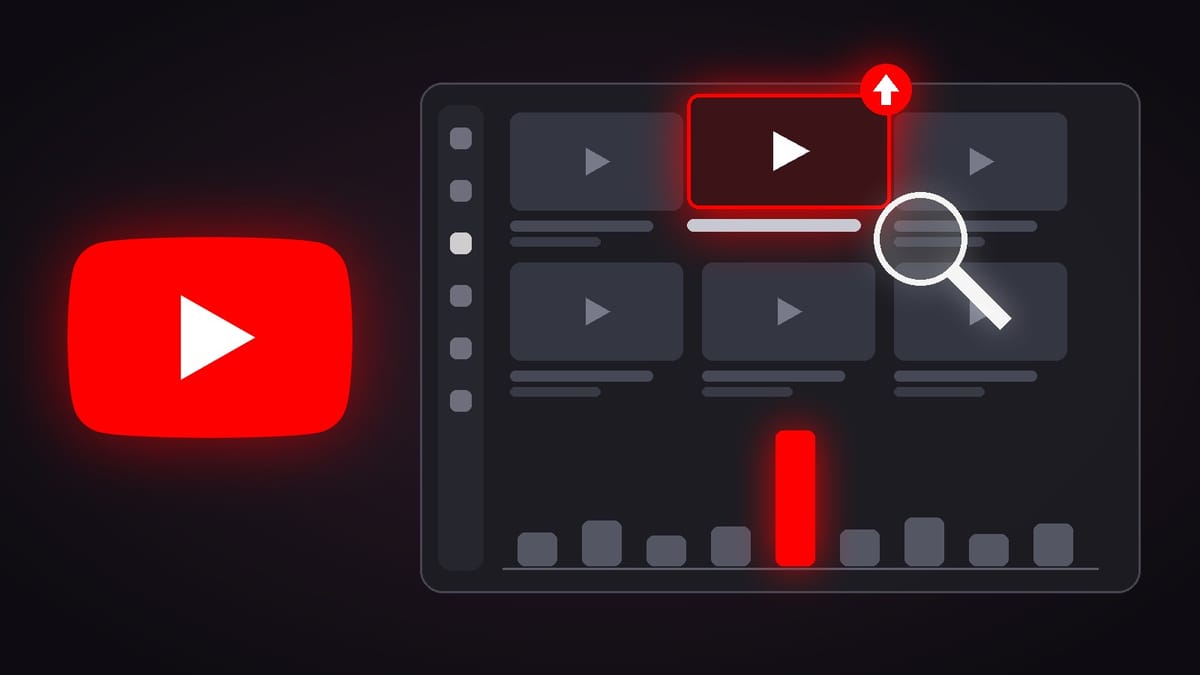
The center of it is the outlier score. TeamYouTube defines outlier videos as "videos that are performing significantly above a channel's typical averages." YouTube's Help Center article on Research spells out the math with an example. A score of 5x on a long-form video means that video got five times more views than the channel's previously uploaded long-form videos. The comparison is format against format, so a Short is measured against that channel's other Shorts.
That detail is the whole point. A video with two million views on a channel that always gets two million views tells you almost nothing. A video with 40,000 views on a channel that usually gets 4,000 tells you a lot. Something in that topic, that title or that thumbnail made people click far more than usual. The outlier score is built to surface exactly those videos.
YouTube has not published the time window used to calculate the score. Treat it as a strong signal, not a precise measurement.
Research also comes with filters built for creators. The Help Center lists type, so you can separate videos from Shorts, along with views, outlier score, upload date, subscribers, duration and channel age. The subscribers filter lets you compare yourself with channels your own size instead of giants.
The most interesting filter is called Watched by my viewers. According to YouTube, it shows what your audience watched on other channels in the last month. No outside tool can see that. It is data only YouTube holds, and it is now one click away inside your dashboard.
Finally, Research connects to Ask Studio. There is an option to analyze title patterns, which asks the assistant to look at the top outlier videos and summarize the recurring title patterns and packaging strategies behind them. In YouTube's words, Ask Studio "can uncover recurring title patterns and packaging strategies behind top-performing content."
One practical warning. To make room for Research, YouTube retired saved keywords on desktop. Your saved list is still available in the YouTube Studio mobile app, and according to creators who received the update and to reporting on the earlier test, YouTube offered a CSV download through the link in the Research notification for three months. If you relied on that list, export it now.
What this update is not
It is easy to overestimate what YouTube just handed you. So here are the limits.
This is not a new algorithm. Nothing in the announcement says YouTube changed how videos are recommended. The data underneath your dashboard is the same. What changed is how it is organized, explained and surfaced.
It is not a list of videos to copy. Research shows you what resonated for someone else, with their audience, at a specific moment. It tells you that a topic or a packaging style worked. It does not tell you that your version of it will work, and a copy of a video your audience has already watched on another channel is usually the weakest version of an idea.
It is not a neutral reading of your channel. A sentence like "views are up thanks to loyal viewers" is an interpretation produced by YouTube's systems, not a raw count. Neither the announcement nor the help pages explain how those summaries are generated or how often they are wrong. YouTube's own Help Center reminds creators that the quality and accuracy of Ask Studio responses may vary.
It is not a perfect map of your niche. YouTube decides what your niche is, and some creators who received the update report seeing videos from topics that have nothing to do with their channel. Use Research for ideas, not as a verdict on what your audience wants.
It is not available everywhere yet. Insights and Research are on desktop only, and the rollout is reaching channels gradually, so two creators in the same country can see different versions. Ask Studio is not available to Official Artist Channels, Made for Kids channels or creators under 18, and the AI summary cards only appear on channels that also have Ask Studio access.
And it is not private in the way some creators might assume. According to YouTube's Ask Studio help page, conversations are saved for up to 30 days, and human reviewers may read conversations to improve the product, after they are disconnected from your Google Account. If you upload thumbnail drafts or unreleased frames, keep that in mind. The same page notes that to remove an uploaded image, you need to delete the entire conversation.
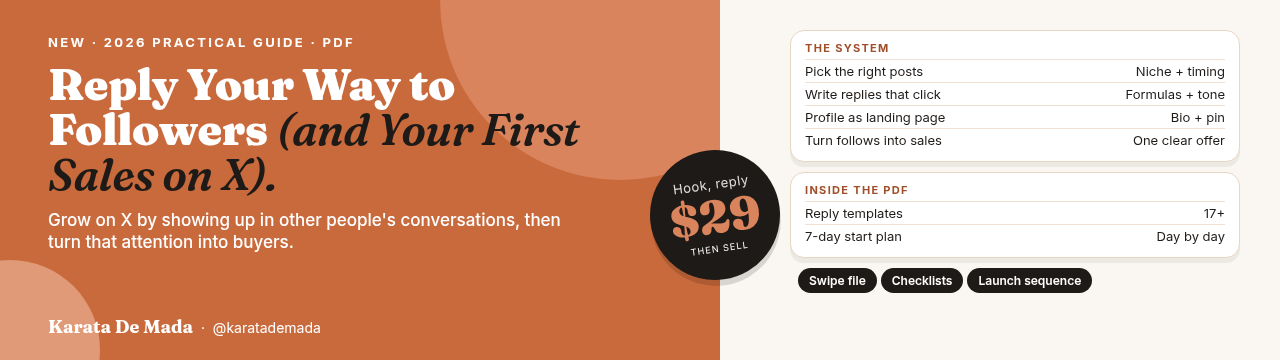
Reply Your Way to Followers (and Your First Sales on X)
Learn which posts to reply to, how to write replies that earn profile clicks, and how to turn new followers into your first sales. A practical PDF with 17 reply templates and a 7-day start plan.
Who this is for, at every stage
The same update means very different things depending on where your channel is today.
If you are just starting, Research is the biggest gift in this update. Small channels have the least data of their own, which means the AI summaries about your own channel have very little to work with. But Research does not depend on your history. Filter by subscribers and channel age, and you can see which videos are breaking out for channels that look like yours right now. Outliers from channels your size are much easier to learn from than the hits of a creator with ten million subscribers.
If you are growing, with a steady upload schedule and a real audience, the Watched by my viewers filter is where the value is. It tells you what your existing viewers are choosing when they are not watching you. That is the clearest map you will get of adjacent topics your audience already cares about.
If you are established, the main change is workflow. The detailed reports you check every day now sit one click deeper, behind Advanced mode. Many long-time creators have already complained that information which used to sit side by side now takes several clicks to reach. Learn the new path once, and keep making decisions from the full data rather than from the summary card.
If you work with brands, pay attention to your screenshots. Figures from YouTube Studio end up in media kits, sponsorship pitches and campaign reports. The numbers have not changed, but the screens have. Make sure the figures you share still come from the same reports and the same date ranges as before, so a partner does not compare two different things.
Every platform now wants to explain your numbers
None of this happened in isolation.
Earlier this month, LinkedIn detailed new creator analytics that show the followers each post brought in, along with saves, sends and the split between reach inside and outside your network. Instagram has also reorganized its Insights for creators and businesses into simpler sections for performance, content and audience. And on November 6, 2026, YouTube began letting Ask Studio hand some creators over to a live human support agent.
The direction is the same everywhere. Platforms are moving away from dashboards full of charts and toward assistants that tell you what your numbers mean and what to do next.
But there is a trade-off. When the platform writes the summary, the platform also chooses which story to tell. It decides which metric deserves the headline, which videos count as your niche, and which outliers you see first. The question is no longer whether you have access to data. It is whether you still look at it yourself.
The creators who benefit most will use the summaries to move faster, and the full reports to stay honest.
What creators should do right now
You do not need to rebuild your strategy because a menu item changed its name. But a few practical moves this week will put you ahead.
Start by checking whether you have the update. Open YouTube Studio on a computer and look at the left menu. If you see Insights, you have the new layout. If you still see Analytics, you are not behind. The rollout is gradual and there is no setting to turn it on early.
Next, save your keywords. If you used saved keywords in the old Trends tab, export them from the link in your Research notification or check that they still appear in the YouTube Studio mobile app. Do not wait until the download window closes.
Then run your first real Research session. Search for the main topic of your channel. Filter by subscribers to channels close to your size, and set the outlier score high, at 5x or more. Write down the ten strongest results, with the topic, the promise in the title and what the thumbnail shows. You are looking for patterns that repeat, not videos to copy.
After that, open the Watched by my viewers filter. Look at the channels and topics your audience chose in the last month. Pick one adjacent topic you can cover with your own experience and your own angle, and plan one video around it.
Then use Ask Studio as a second opinion, not a first one. Ask it to analyze the title patterns behind the outliers you found and compare its answer with your own notes. If you upload thumbnail drafts, compare two or three variants, but remember that your conversation is kept for up to 30 days and may be reviewed.
Finally, keep one habit from the old dashboard. Once a week, open Advanced mode and check your full reports on the same date range you always use. Let the plain-language summary tell you where to look. Let the raw numbers tell you whether it is right.
The same principle applies off YouTube. Research tells you which ideas are working. Conversations tell you why. On X, the fastest way to test a topic before you film it is still to join the conversations where your audience already spends time. If you want a system for that, I wrote a guide, Reply Your Way to Followers (and Your First Sales on X). It shows you which posts to reply to, how to write replies that earn profile clicks, and how to turn those new followers into your first sales.
Pick one topic from Research this week, check it against what your viewers already watch, make your own version of it, and build from there.
For years, YouTube gave creators a wall of charts and left the interpretation to them.
Now the dashboard explains itself and points to what is working. The research is now built in. The judgment is still yours.