

Powerful AI tools that help creators publish faster and grow bigger
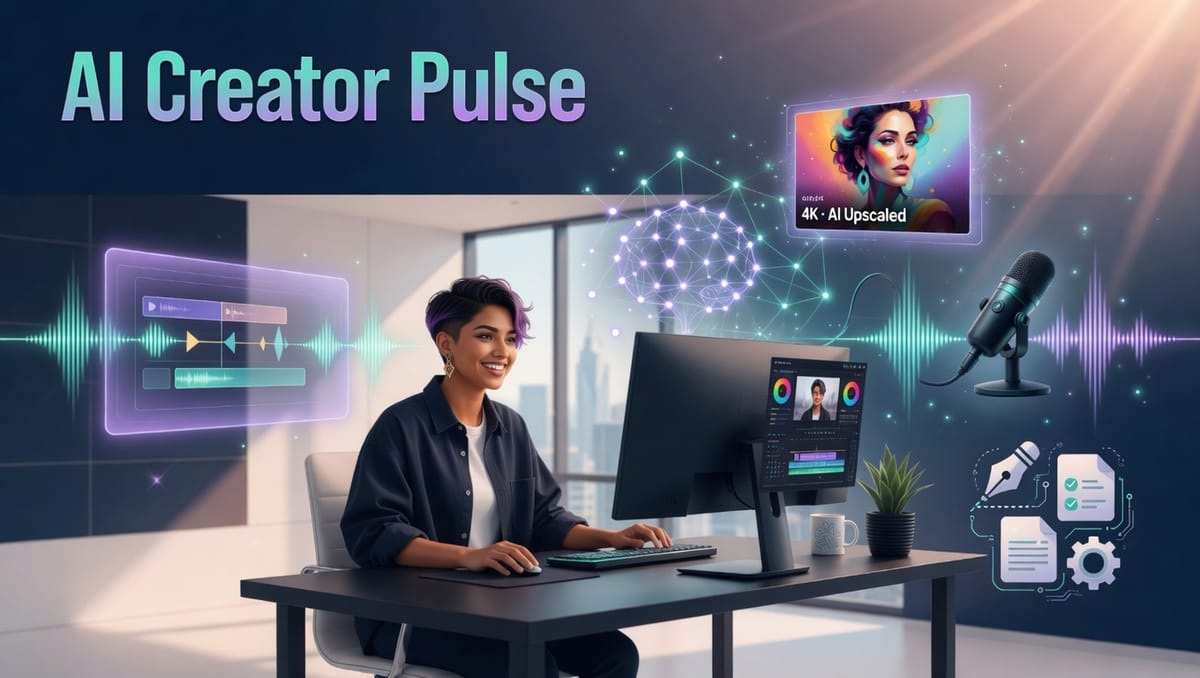
May 2026 marks a turning point for independent creators. Video generation has moved from experimental to genuinely production-ready, with native audio, precise controls, and the ability to reference your own footage and style. At the same time, image tools and writing assistants have become faster and more integrated into real creator workflows.
Whether you run a YouTube channel, TikTok account, podcast, newsletter, or brand content business, these updates can help you create more content in less time while raising quality and consistency.
This article highlights the tools delivering the biggest practical advantages for creators right now. I have focused on solutions that directly address the daily challenges you face: limited time, the need for frequent uploads, audience growth, and monetization pressure. Here is what matters most for your workflow.
Advertisement
 Reid HoffmanCofounder of LinkedIn, Partner at Greylock
Video tools that are changing the game for creators
Google DeepMind’s Veo 3.1 now generates video with synchronized dialogue, sound effects, and ambient audio in one pass. This removes the need for separate recording sessions or complex audio editing in many projects. Creators are using it to produce polished short-form videos for YouTube Shorts, Reels, and TikTok with professional sound design built in. The model supports reference images for consistent characters, scene extension for longer narratives, and strong vertical output. A more affordable Lite tier makes it accessible for frequent testing. Many creators report cutting their video production time in half while improving retention through better audio-visual sync.
ByteDance released Seedance 2.0 in February and it has become a favorite among creators who want director-level control. You can upload up to nine images plus short video and audio references in a single request. The model then delivers cinematic multi-shot video with accurate lip sync, realistic physics, and camera movements you specify. Creators working on action sequences, branded storytelling, or music-driven content particularly value the ability to maintain visual identity across shots. It excels when you want to transform existing clips or style references into new pieces without starting from scratch. The result is higher production value that helps videos stand out in crowded feeds and improve watch time metrics.
xAI’s Grok Imagine has added powerful agent capabilities in 2026. You can brainstorm concepts, generate images or video clips, refine them through conversation, and stitch short segments into longer videos all inside one thread. Creators use it for rapid thumbnail testing, concept visualization, and quick prototypes before committing to heavier tools. The natural language editing features let you iterate fast without switching between multiple apps. This is especially useful for solo creators who need to move from idea to asset in a single session.
Advertisement

Image and brand tools built for content creators
Google Nano Banana produces high-resolution images with accurate text rendering at high speed. Creators rely on it for eye-catching thumbnails, social media graphics, and promotional assets that perform well in feeds. Google Pomelli analyzes your website or brand guidelines and then generates matching social posts, advertisements, and banners. A recent update lets you animate those assets into short videos using Veo technology. This creates a fast path from brand consistency to motion content, helping creators maintain a professional look across platforms while saving hours on design work.
Adobe Firefly and Canva Magic Studio continue to serve creators who prefer working inside tools they already know, with strong commercial usage rights and seamless editing features.
Writing and research tools that save creators hours
Claude remains the leading choice for long-form scripts, articles, and thoughtful content that requires natural tone and depth. Gemini 3.1 Pro and Perplexity offer massive context windows that let you upload research libraries or your entire content archive for instant synthesis and outlining. Creators use these tools to research trending topics quickly, generate detailed scripts, and repurpose existing material into new formats. The time saved on research and first drafts allows you to focus on your unique voice and audience connection instead of repetitive tasks.
The exact workflow top creators are using now
Successful creators are combining these tools into a repeatable system. Start with Perplexity or Gemini for fast research and trend spotting. Move to Claude to draft your core script or article. Generate visuals and thumbnails with Grok Imagine or Nano Banana. Produce the main video using Veo 3.1 or Seedance 2.0 while feeding in your own reference footage for brand alignment. Add or refine voice elements with ElevenLabs when needed. Finish edits and create repurposed versions in Descript using its text-based editing. Finally, automate scheduling and cross-posting with Zapier or Make.com.
This sequence typically lets creators publish two to three times more often without increasing workload. It also improves consistency across platforms, which supports audience growth and higher monetization potential through better engagement metrics.
Your action plan for this week
Choose one new tool from this edition and apply it to a single piece of content you are already planning. Most of these tools are available through platforms you may already use, such as the Gemini app for Veo 3.1, grok.com for Grok Imagine, Google Labs for Pomelli, and ByteDance integrations or popular editing apps for Seedance 2.0.
Start with the free or trial options to test what fits your content style and goals. Track how much time you save and how the output quality compares with your usual process. The creators who gain the most are those who treat these tools as creative partners that handle the heavy lifting while you focus on storytelling and audience relationships.
The tools are advancing quickly, but your creativity and connection with viewers remain the most valuable part of the process.
Keep creating with purpose.